
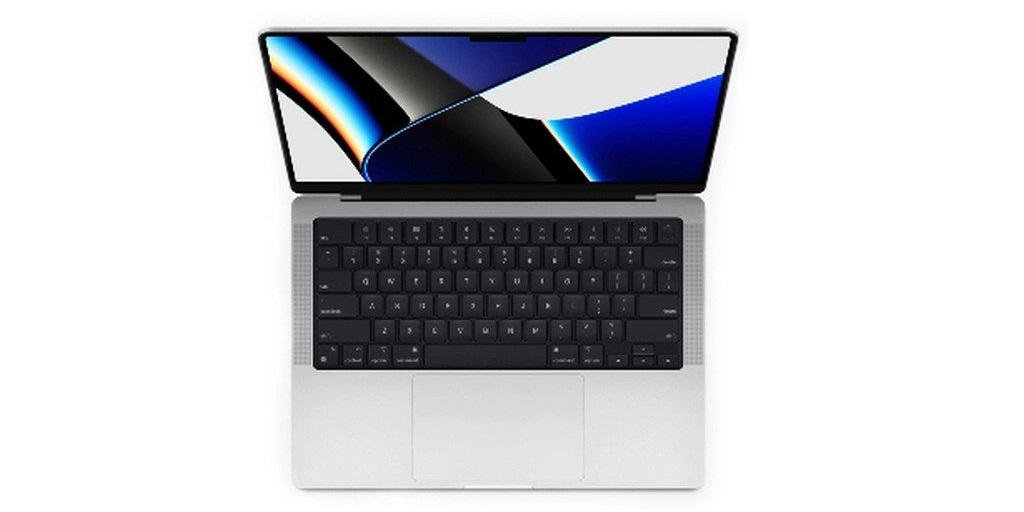
For those with their very own MacBook laptop, you know just how vital and impressive your favorite device is. Whether you are just browsing the internet, looking for some new socks or you’re coding and even designing a new website, your trusty laptop from Apple can help you get the job done right– efficiently, easily, and quickly at that.
As seemingly miraculous as your electronic device may be, it is not without its weaknesses. Unfortunately, there are many conditions and objects that can cause it to break down– and even break entirely!
Here are just eight key things you need to keep far, far, far away from your delicate MacBook laptop!
1. Direct and Reflected Sunlight
Did you want to melt the plastic on your laptop, including the keys, and give your clean computer a newly destroyed facelift? Likely not. In order to keep your laptop running and looking fine, keep it away from direct sunlight and even reflected sunlight (from mirrors and other surfaces!).
2. Cold Temperatures
If your MacBook is left out in far too cold temperatures (anything below freezing, although above 50°F is more ideal), you could leave your computer susceptible to major issues, especially with the battery. The lithium-ion battery could potentially crack, shrink, and, when “warmed up,” it can expand and be ruined.
3. Your Pet (Yes, that Definitely Includes Their Hair!)
We know that you love your favorite feline or puppy pal. However, you should keep them away from your MacBook. Not only because they could knock it off a table with their paws or tails or even spill some liquids onto them, but because their hair could get lodged into your computer and drastically decrease its usability over time!
Sorry, Fido and Snowball, but you have to wait to get your pets until after the computer is closed and safely tucked elsewhere.
4. Liquids
Spilled liquids can, as you might have already guessed, cause immediate damage to your laptop’s functionality. However, even if you spill a little bit and notice that your computer appears just fine, you may experience issues crop up later on. This is because these spilled liquids can slowly rust and corrode the internal parts of your computer! Just keep them far away (yes, even your cozy cup of coffee).
5. Food, Especially the Crumbly Kind
Solid foods can pose a problem for your computer, but especially the “crumbly” kinds, like cookies and biscuits. This is because these little crumbs can find themselves into the crevices of your laptop, including your keyboard, ports, and even into the air vent, causing issues in their functions!
6. Children
We know you love your kids, but sorry– your computer doesn’t. Children can potentially knock over your laptop, spill liquids or solids onto it, or even get their sticky fingers on it (and, yes, that can also ruin your computer later on!). Simply put, keep your lovely babies far away from your lovely computer.
7. Dust and Other Teeny, Tiny Particles
Dust can negatively impact the usability of your keyboard and ports. Use a compressed air can to properly keep dust and other small particles out of these teeny, tiny parts of your computer.
8. Hand Lotion
Yes, even hand lotion can cause issues for your digital pal. This is because it can easily slip and slide through the cracks of your keyboard. Your skin’s best friend is actually your keyboard’s worst enemy and can, therefore, cause irreparable damage to it! Sorry, but you’ll just have to hydrate your skin another time.
Your MacBook laptop deserves only the best, just like you do. When you’re looking for the most reliable and dependable certified refurbished MacBook Pros, MacBook Airs, and various other Apple products, you can lean on Mac of All Trades to supply you with what you’re looking for. Browse their various options today and find your next favorite digital friend!
